I just checked, and it is apparently called “Default”.
I’m using that as well. I like it, it was very easy to install and get working.
Damn, I need to get that one it seems popular!
Catppuccin cursors https://github.com/catppuccin/cursors
Ohhh pretty
https://michieldb.nl/other/cursors/
These are also available on KDE when you click the get more button or whatever it’s called (I’m not at home) in System Settings.
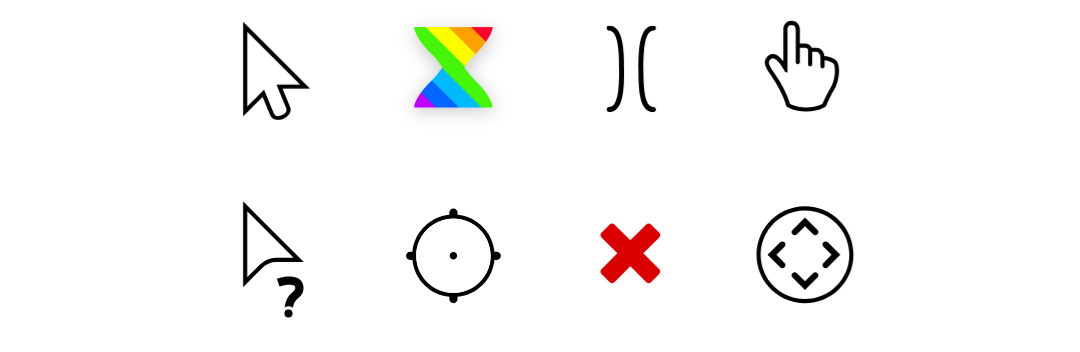
A preview of a few but open the website, they’re animated. Plus there’s multiple styles and dark modes.
Don’t forget that great video that goes with those cursors: https://www.youtube.com/watch?v=YThelfB2fvg
The only one I change is the finger pointer to be the middle finger instead of the index finger.
I always use Breeze Dark (even tho I don’t use Plasma)
DMZ-Black. It’s one of the cursor themes provided by default by Linux Mint. I see no reason to change.
Breeze but the white one
I’m using one of the Catppuccin ones right now. It comes in a lot of colors, so there’s always one that looks good with the theme I’m using.
The default pop!_os one :3
the default x11 one (tiny black cursor)
Banana cursor
Can anybody recommend a reticle-style cursor? Like the ones from the old digitizer pucks.
I want a circle where clicks go into the center instead of the top corner.I’m testing with Google(Dot) Cursors. I do remember that a couple decades ago I was using something similar converted from CursorXP that had some transparency
There was some reason Google Dot wasn’t a good fit but I don’t remember why. I’ll try it again, thanks.
Adwaita